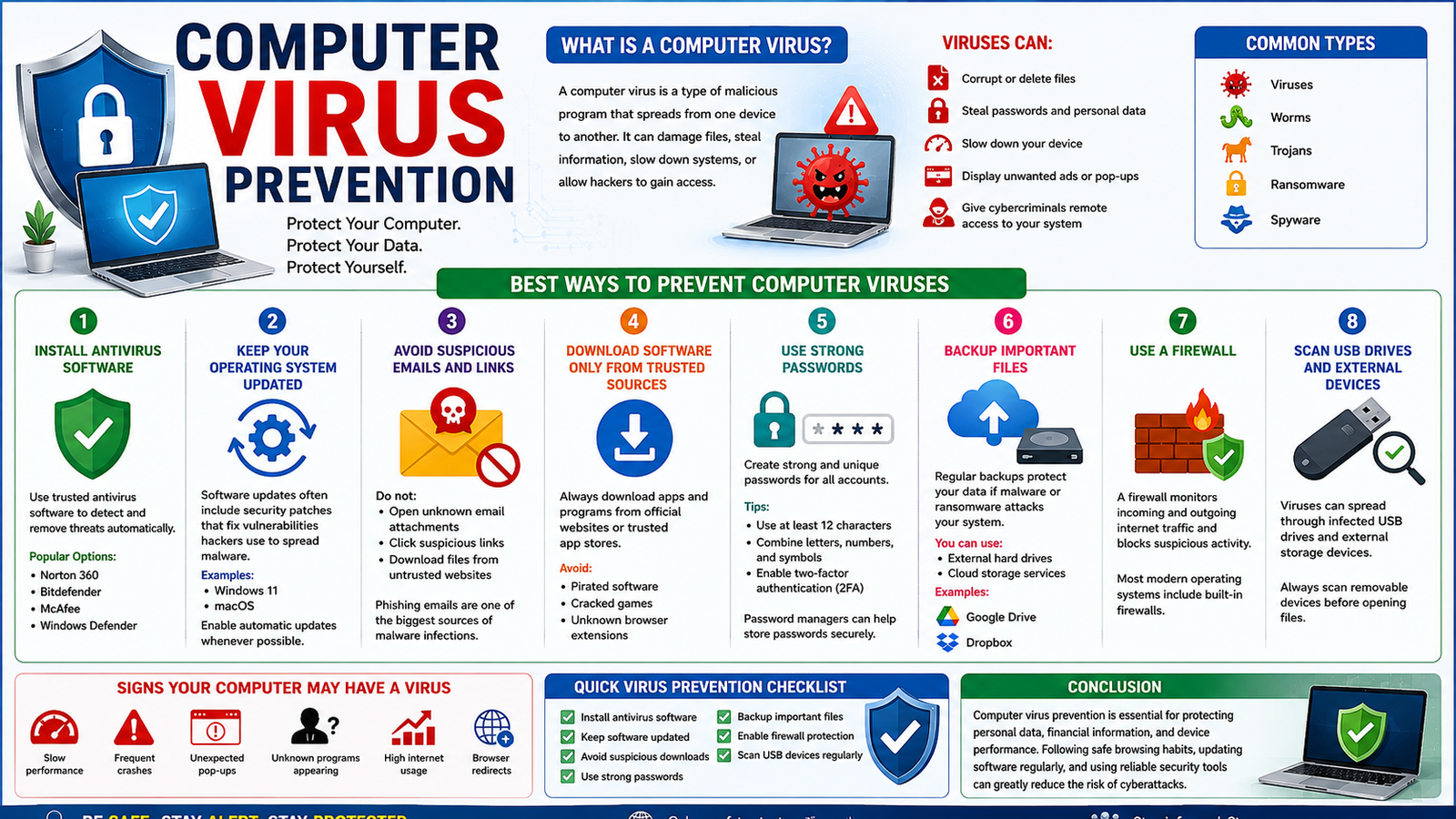
Computer virus prevention means protecting your computer, mobile device, and data from malicious software (malware) that can damage files, steal information, slow down systems, or allow hackers to gain access.
What Is a Computer Virus?
A computer virus is a type of malicious program that spreads from one device to another. It can:
- Corrupt or delete files
- Steal passwords and personal data
- Slow down your device
- Display unwanted ads or pop-ups
- Give cybercriminals remote access to your system
Common types include:
- Viruses
- Worms
- Trojans
- Ransomware
- Spyware
Best Ways to Prevent Computer Viruses
1. Install Antivirus Software
Use trusted antivirus software to detect and remove threats automatically.
Popular antivirus programs include:
- Norton 360
- Bitdefender
- McAfee
- Windows Defender
2. Keep Your Operating System Updated
Software updates often include security patches that fix vulnerabilities hackers use to spread malware.
Examples:
Enable automatic updates whenever possible.
3. Avoid Suspicious Emails and Links
Do not:
- Open unknown email attachments
- Click suspicious links
- Download files from untrusted websites
Phishing emails are one of the biggest sources of malware infections.
4. Download Software Only From Trusted Sources
Always download apps and programs from official websites or trusted app stores.
Avoid:
- Pirated software
- Cracked games
- Unknown browser extensions
5. Use Strong Passwords
Create strong and unique passwords for all accounts.
Tips:
- Use at least 12 characters
- Combine letters, numbers, and symbols
- Enable two-factor authentication (2FA)
Password managers can help store passwords securely.
6. Backup Important Files
Regular backups protect your data if malware or ransomware attacks your system.
You can use:
- External hard drives
- Cloud storage services
Examples:
7. Use a Firewall
A firewall monitors incoming and outgoing internet traffic and blocks suspicious activity.
Most modern operating systems include built-in firewalls.
8. Scan USB Drives and External Devices
Viruses can spread through infected USB drives and external storage devices.
Always scan removable devices before opening files.
Signs Your Computer May Have a Virus
Watch for:
- Slow performance
- Frequent crashes
- Unexpected pop-ups
- Unknown programs appearing
- High internet usage
- Browser redirects
Quick Virus Prevention Checklist
✔ Install antivirus software
✔ Keep software updated
✔ Avoid suspicious downloads
✔ Use strong passwords
✔ Backup important files
✔ Enable firewall protection
✔ Scan USB devices regularly
Conclusion
Computer virus prevention is essential for protecting personal data, financial information, and device performance. Following safe browsing habits, updating software regularly, and using reliable security tools can greatly reduce the risk of cyberattacks.
Computer virus prevention: full reviews
About the Author